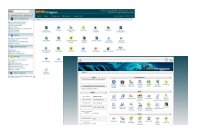
 cPanel/WHM - hosting control panel!
cPanel/WHM is an industry leading hosting platform. As a cPanel Partner NOC we have the knowledge and standing to ensure our clients get a cost effective solution and the best technical support service. All our VPS plans come with cPanel/WHM fully installed and ready to use.
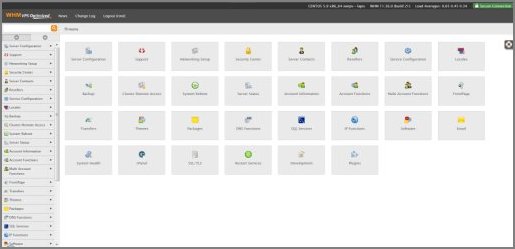
Web Host Manager (WHM) screenshot.
- This is your central control area where you can manage your server, add/remove hosting accounts and configure all manner of settings to your requirements.
Questions:
- What can you do with your Control Panel? Have a look at the feature list on the right for more information!
- Worried about not knowing how to use the Control Panel? Check out our VPS Tutorials for cPanel and WHM here. cPanel also comes with comprehensive online help that you can read online or download and print for your own offline reference.
- Any questions? Please contact us!
How do I access WHM?
- Easy. Enter the following address into your web browser:
http://www.yourdomain.com/whm
or http://www.yourdomain.com:2086
- So if your domain name was joesdesign99.co.uk you would enter the following address:
http://www.joesdesign99.co.uk/whm
or http://www.joesdesign99.co.uk:2086
- Note: You can access your WHM before your domain name has propagated by entering your IP address into your web browser. An example:
http://83.223.107.254/whm or http://83.223.107.254:2086 - All account access details are provided in the welcome email.
cPanel X3 screenshot.
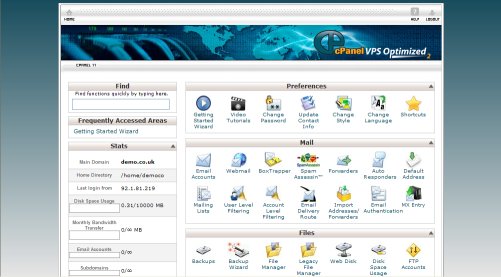
- This is the website control panel interface allowing utmost control to website owners. You can also brand your client’s control panel interface with your custom logo.
- All VPS plans come with cPanel X3 skin as standard but you are free to install additional skins if desired.